
Hit enter to search or ESC to close
Trending Now


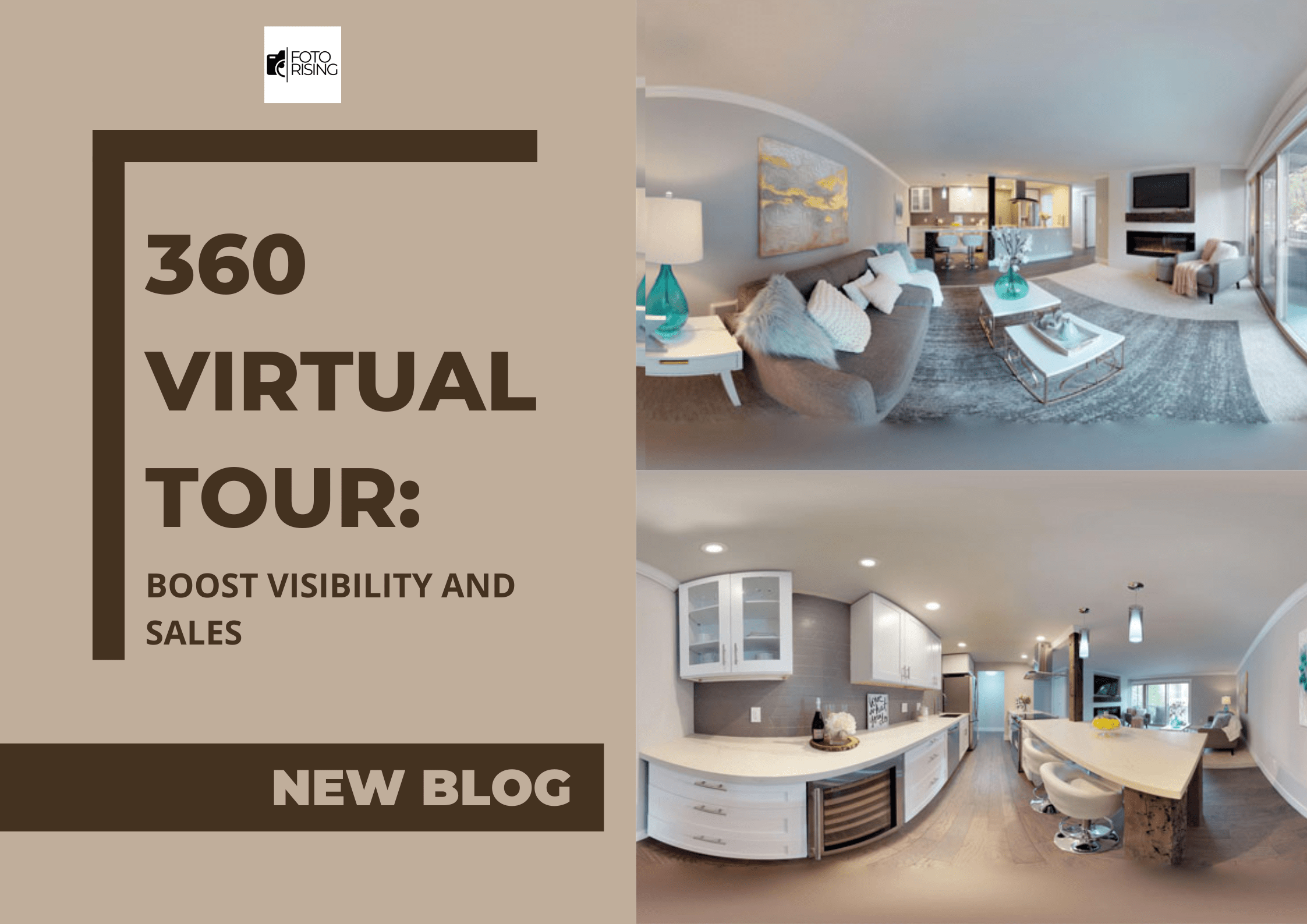
Real estate photo editing workflow is the step-by-step process that turns raw property shots into polished, listing-ready images. A clear workflow saves time, keeps quality consistent, and helps photographers deliver faster. Without one, editing becomes slow and messy, especially when you shoot several listings a week. This guide breaks down each stage and shows how to build a process that works.
Why a Real Estate Photo Editing Workflow Matters
Every listing needs the same core corrections. Exposure, color, and perspective all need attention. When you repeat them in a random order, mistakes slip in and deadlines slip away.
A defined workflow offers several benefits:
- Speed: You spend less time deciding what to do next.
- Consistency: Every gallery follows the same standard.
- Fewer errors: A checklist catches missed steps before delivery.
- Easier scaling: You can hand tasks to an editor without confusion.
Step 1: Organize and Cull Your Files
Editing starts before you open any software. First, copy your files to a backup drive. Next, sort them into folders by property and room.
Then cull the set. Delete blurry frames, duplicates, and bad angles. Keep the best bracketed sets for each room. As a result, you only edit images that earn a place in the gallery.
Step 2: Import and Apply Base Corrections
Import the selected files into your editing software. Then apply basic corrections to the whole set. These usually include:
- Lens correction to reduce distortion
- White balance to remove color casts
- Exposure adjustments for a balanced look
Syncing these settings across similar shots saves hours. Consequently, you only fine-tune individual images later.
Step 3: Blend Exposures With HDR
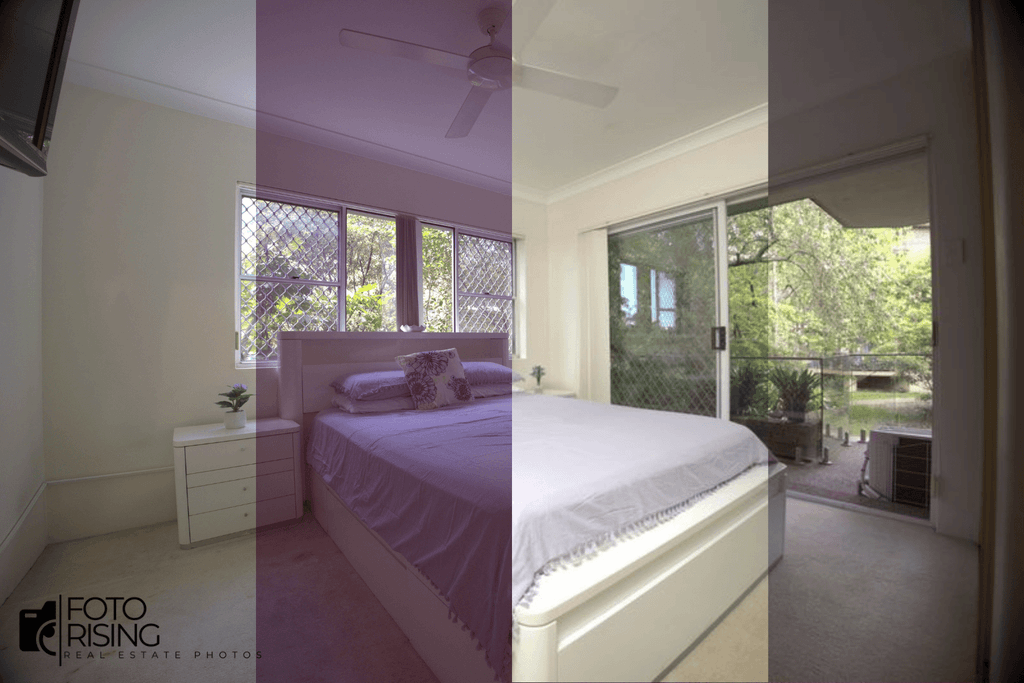
Interior photos often mix bright windows with dark corners. HDR blending combines bracketed exposures into one balanced image. It keeps detail in both the shadows and the highlights.
Check each merged photo carefully. Look for ghosting, halos, and muddy colors. If you see them, adjust the merge settings or blend manually.
Step 4: Correct Perspective and Straighten Lines
Crooked lines make a room feel off. Straighten vertical walls, door frames, and window edges. Then level the horizon in exterior shots.
Perspective correction should look natural. Overcorrecting can stretch the room and mislead buyers. So aim for clean lines without changing the true shape of the space.
Step 5: Fine-Tune Color and Light
Next, polish each image. Adjust brightness, contrast, and saturation until the room feels warm and inviting. Keep whites clean and wood tones natural.
Window views deserve special attention. Balance them so outdoor details remain visible without looking fake.
Step 6: Retouch and Remove Distractions
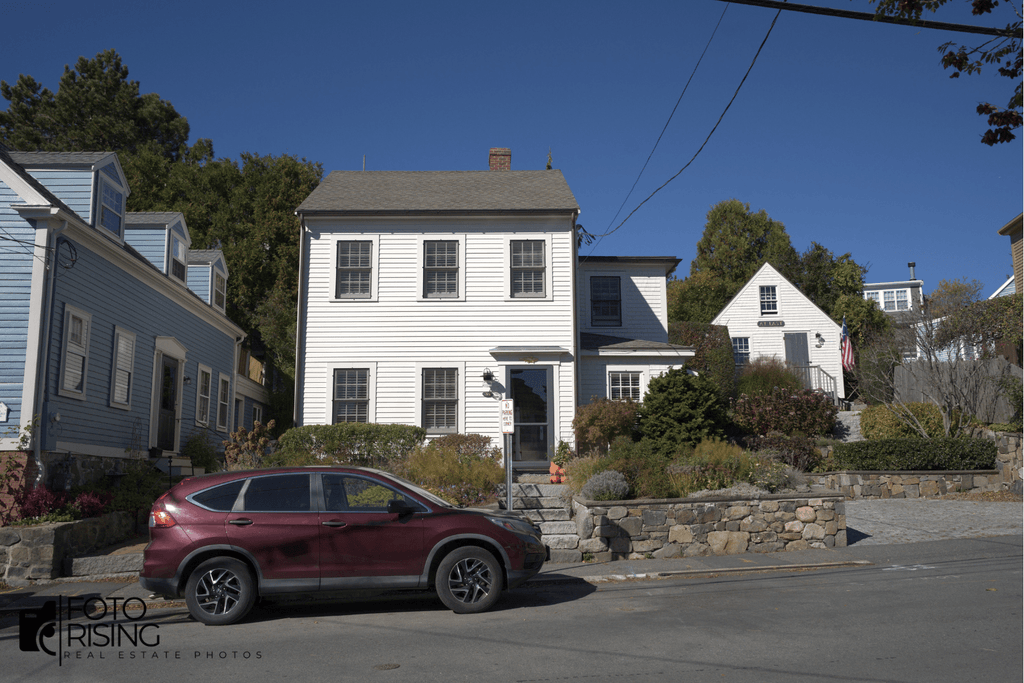
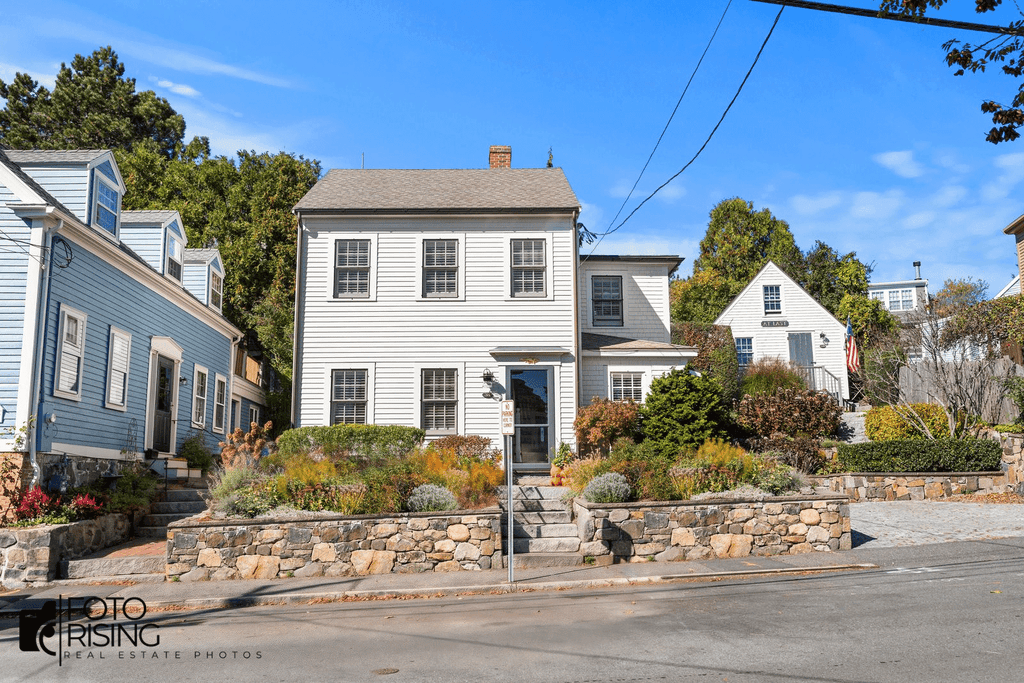
Retouching cleans up what the camera captured. Common tasks include removing:
- Power cords and cables
- Trash cans and hoses
- Reflections of the photographer
- Small stains or scuffs
Remove only temporary distractions. Never hide permanent defects, because honest photos protect buyer trust.
Step 7: Apply Creative Enhancements
Some listings benefit from extra touches. These can include:
- Sky replacement on gray exterior shots
- Lawn enhancement for dull or patchy grass
- Virtual dusk conversion for dramatic twilight images
- Virtual staging for empty rooms
Use these edits with care. Natural results look better than flashy ones, and many MLS rules require disclosure for significant changes.
Step 8: Quality Check Before Delivery
Review the full gallery before you send it. Check each image at full size. Look for edge halos, uneven colors, and missed distractions. Also confirm that the photos match in tone and style.
A simple checklist helps here. Finally, export the files in the correct size and format for MLS portals, websites, and print.
Tools That Support a Smooth Workflow
Most photographers rely on a few trusted programs. Lightroom handles organization and base edits. Photoshop manages detailed retouching. Specialized HDR software can speed up blending. Pick tools that fit your budget and skill level, and avoid adding extras you won't use.
When to Outsource Your Editing
A workflow only helps if you have time to follow it. Busy photographers often lose evenings to post-production. Outsourcing can solve that. A reliable editing partner follows your style guide, returns files within 24 hours, and handles volume spikes. Start with a free trial edit, so you can judge quality before placing larger orders.
Conclusion
A strong real estate photo editing workflow turns chaotic post-production into a predictable routine. By organizing files, correcting basics, blending exposures, retouching carefully, and checking quality, you deliver consistent images on time. Build your process step by step, refine it with each shoot, and consider outsourcing when volume grows. Your clients will notice the difference.
Read more:
Real Estate Photo Editing Cost: What Should You Expect to Pay?
Real Estate Image Enhancement Services | Sell Faster
Photorealistic 3D Rendering for Real Estate: Marketing Tips